
.thaanafont projects
Editable project source stored as ZIP + JSON, separate from final font binaries.
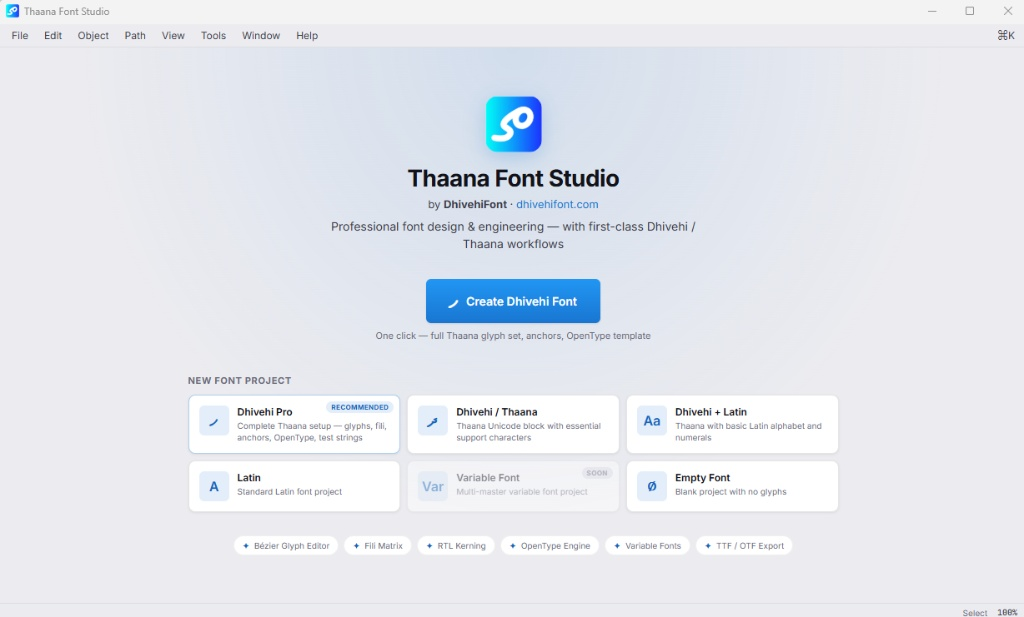
The Maldives' first and only dedicated font studio combines drawing, tracing, spacing, RTL kerning, OpenType, proofing, testing, fili and anchor engineering in one application.
Dhivehi Font Studio uses a Tauri 2 desktop shell, React + TypeScript interface, a Canvas 2D glyph editor and Rust engines for core project and font work.
Editable project source stored as ZIP + JSON, separate from final font binaries.
Open, save, save-as, save-copy, recent files, multi-document tabs and project backup files.
Import TTF / OTF into a new editable project without overwriting the original font file.
Templates range from a complete Dhivehi engineering setup to mixed Dhivehi + Latin and blank projects.
Full Thaana glyph setup, fili, anchors, OpenType template, proof strings and RTL defaults.
Thaana Unicode block and essential characters.
Thaana with basic Latin characters and numerals.
A standard Latin project when you need to work outside Thaana.
A clean blank project for custom character systems and experiments.
Masters, interpolation and axis tools are available; variable font binary export is still in development.
Move between specialized environments without leaving the project.
Work with Bezier paths, direct node editing, freehand pencil, Power Brush, shapes, cutouts and components. Desktop clipboard support lets imported vectors remain editable and independent.
Compile the current project - including unsaved in-memory edits - into standard desktop font formats.
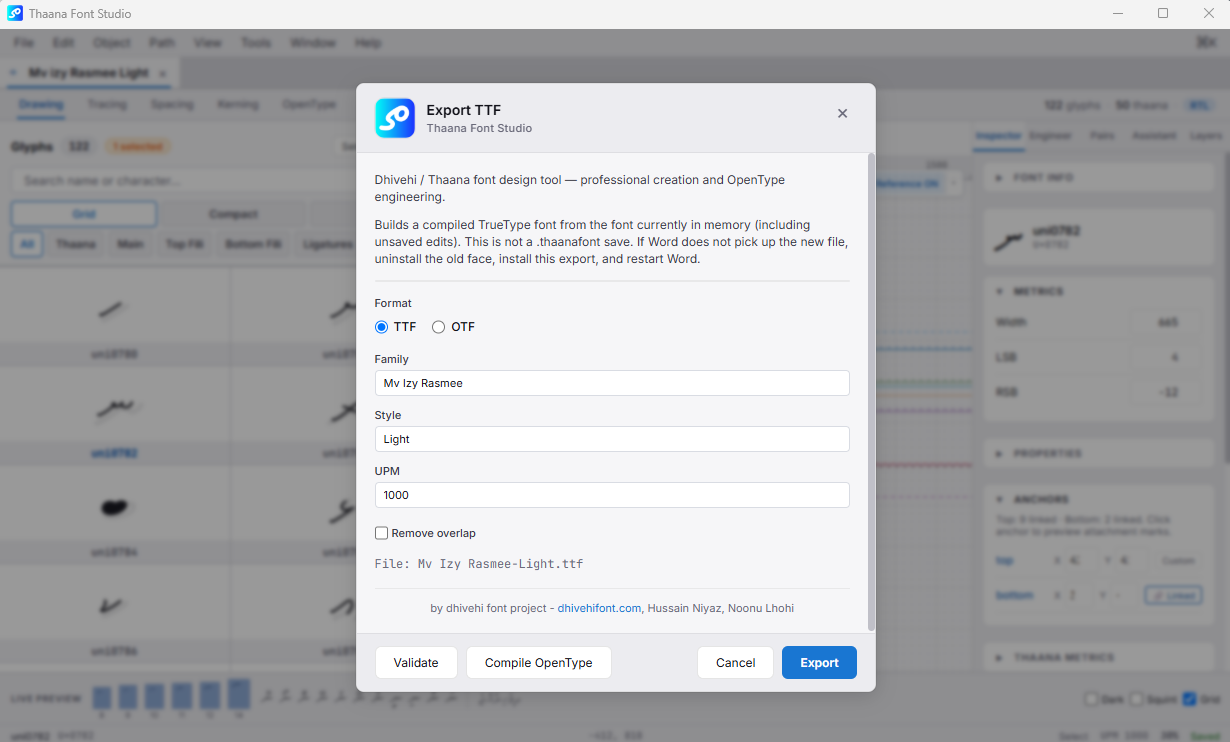
Quadratic font output suited to Windows and Microsoft Word workflows.
Real cubic CFF output rather than a renamed TrueType file.
GDEF, GPOS, GSUB and core font tables are compiled when project data is available.